//TUTORIAL

Understanding assets

Learn what an asset is in Erode and the real-world facilities you can set one up for - from solar and wind to hydro, storage, farms, construction sites, load and more - so your forecasts and answers reflect what you actually operate.

All tutorials
BeginnerGetting started
4 min to complete
What is an asset?

The building block Erode uses to tie forecasts to the things you operate.

An asset is how you represent something you operate in the real world inside Erode - a solar farm, a reservoir, an agricultural farm, a construction site, a battery, a hydro generation station, or a point of demand. Each asset carries the details Erode needs to forecast it.

Once an asset exists, every forecast, view, and answer can be tied to it. That is what lets the Erode Analyst respond about your portfolio specifically, rather than the region in general.

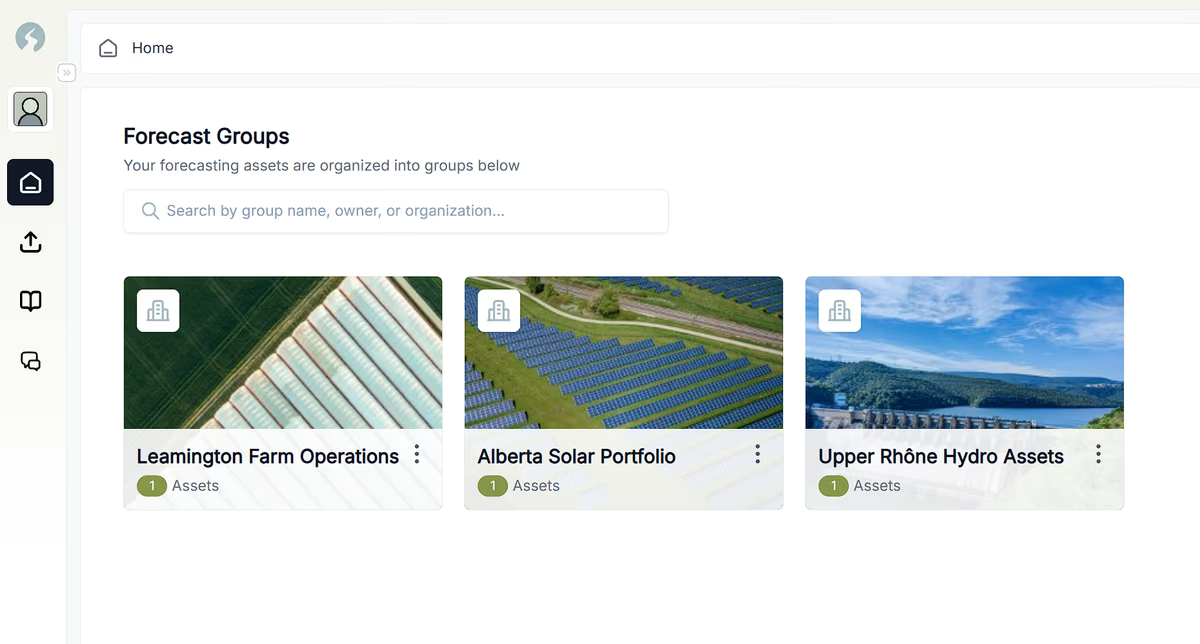
The Erode home screen showing Forecast Groups - a farm operation, a solar portfolio, and a hydro asset group, each grouping the real-world assets it forecasts.
Your assets in Erode, organised into forecast groups on the assets home page.

Things you can set up as an asset

The real-world facilities and points Erode can model.

Most things that produce, store, or consume energy - and whose behaviour depends on the weather - can be set up as an asset:

  • Solar - a PV site or portfolio, forecast from irradiance, cloud cover, and temperature.
  • Wind - a turbine or wind farm, driven by wind speed and direction at hub height.
  • Hydro - a run-of-river plant or reservoir, tied to inflow, snowpack, and water availability.
  • Battery storage - a grid-connected battery, where forecasts inform charge and dispatch timing.
  • Load - a facility, feeder, or service area whose demand moves with the weather.
  • Farm - an agricultural operation, where weather windows drive spraying, planting, and harvest timing.
  • Construction site - an outdoor project, where conditions shape scheduling for crews and equipment.

Adding an asset

Set one up in a few steps so Erode can start forecasting it.

  1. 1Ask the chat to help you set it up, or open the Assets area from the main navigation.
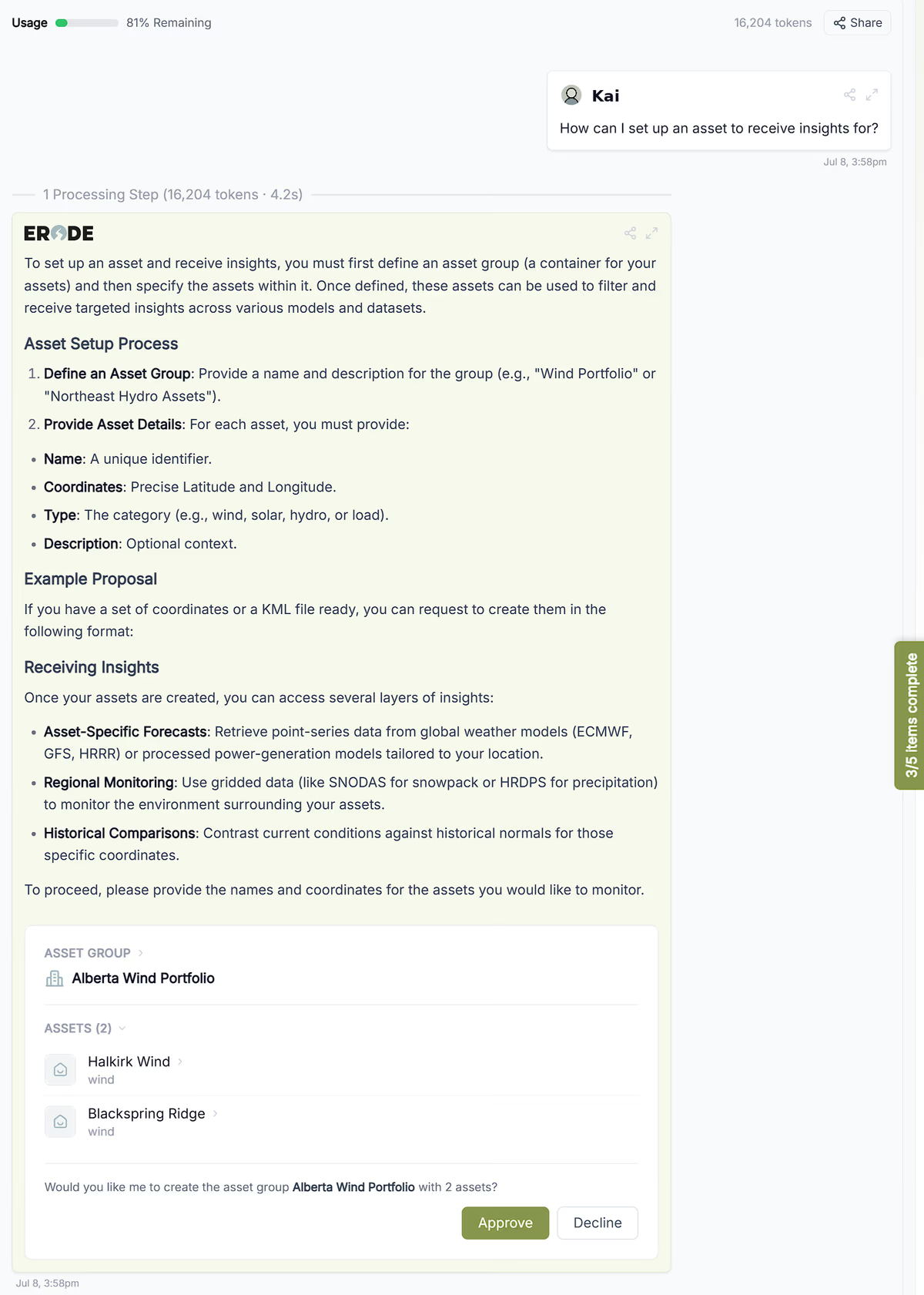
A chat where the user asks how to set up an asset, and the Erode Analyst explains the setup and proposes an “Alberta Wind Portfolio” asset group with two wind assets, ready to approve or decline.
Ask the Analyst to set it up - it drafts an asset group you can approve in one click.
  1. 2If using the menu, select New Asset from the add menu, then choose its type - solar, wind, hydro, battery, or load.
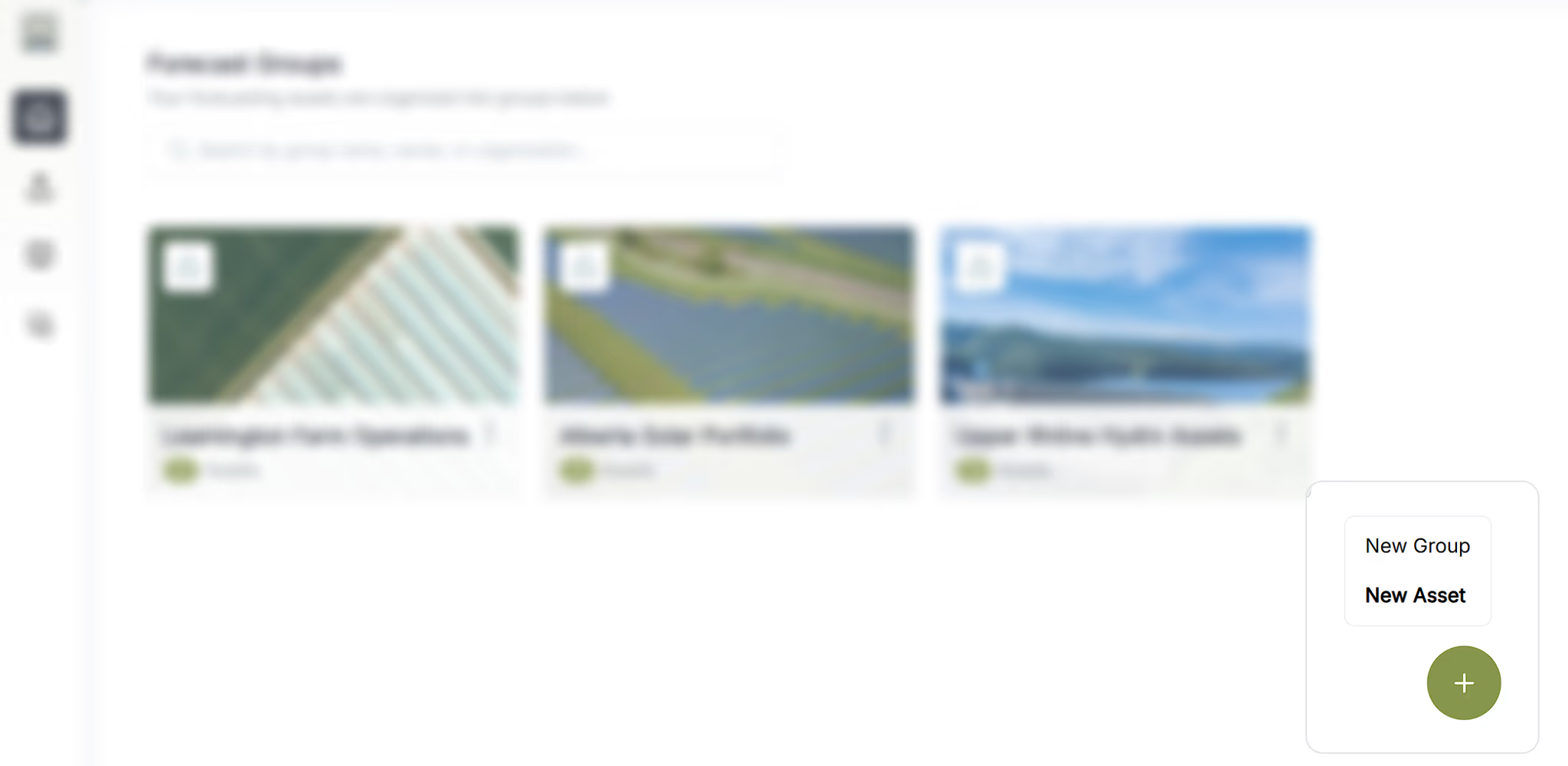
The Erode assets home page with the rest of the screen frosted to highlight the add button and its open menu, showing New Group and New Asset options.
Open the add menu and choose New Asset.
  1. 3Enter its location and key details, such as capacity, market, and any operating limits.
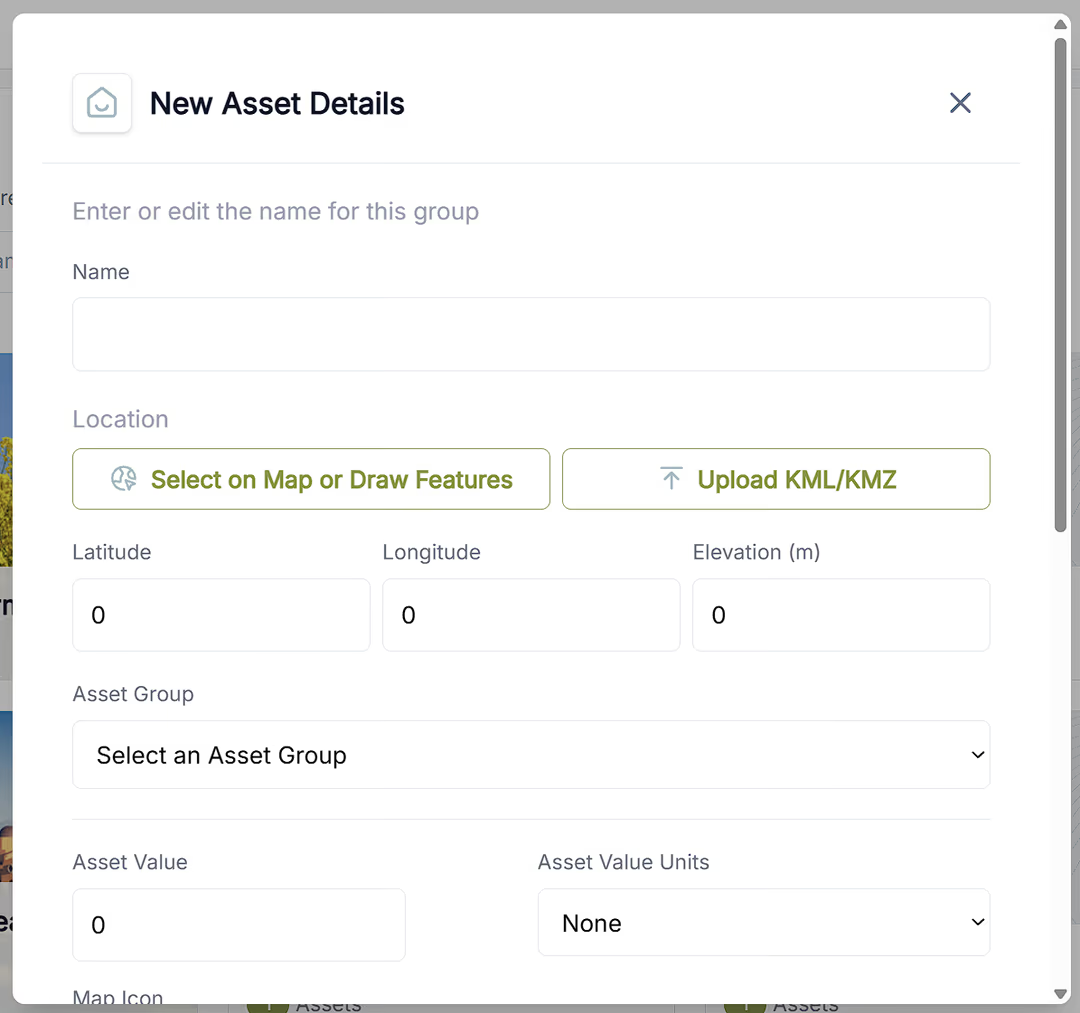
The New Asset Details form with fields for name, location, latitude, longitude, elevation, asset group, and asset value.
Fill in the asset name, location, and key details.
  1. 4Save the asset - it is now ready to use in forecasts, views, and questions.
Accurate location and capacity matter most - they anchor the weather signal and scale the forecast to your asset.

Keeping your assets accurate

A quick habit that keeps every downstream forecast trustworthy.

Because so much in Erode flows from your assets, it is worth keeping them current. When something changes in the real world - a capacity upgrade, a new site, a retired unit - update the asset so your forecasts and answers stay aligned with what you actually operate.

Out-of-date asset details are one of the most common reasons a forecast looks off. If an answer surprises you, check the asset first.
All tutorials